Error Code 4 typically indicates connectivity issues preventing access to game servers. To resolve this:
Check Server Status: Ensure the game servers are operational by visiting the official Marvel Rivals website or their social media channels.
Assess Your Internet Connection: Verify your internet connection is stable. Consider restarting your router or switching to a wired connection for improved stability.
If the issue persists, contacting your Internet Service Provider for further assistance may be beneficial.
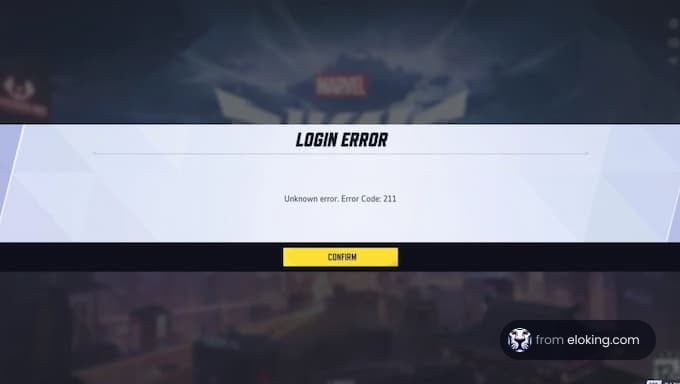
Error Code 220 often relates to server connection problems, possibly due to firewall settings blocking the game's access. To address this:
Adjust Firewall Settings: Temporarily disable your firewall to see if it resolves the issue. If it does, add Marvel Rivals as an exception in your firewall settings to allow uninterrupted access.
Always ensure that your firewall adjustments do not compromise your system's security.
The 99% Loading Bug causes the game to stall at 99% during loading screens. Potential solutions include:
Move Game Files to an SSD: Installing Marvel Rivals on a Solid State Drive (SSD) can reduce loading times and prevent stalling.
Verify Game Files: Use your game launcher's verification feature to check for and repair any corrupted game files.
Check Internet Connection: Ensure your connection is stable, as fluctuations can impact loading processes.
Implementing these steps can help bypass the loading issue and enhance overall game performance.











 品质
品质
